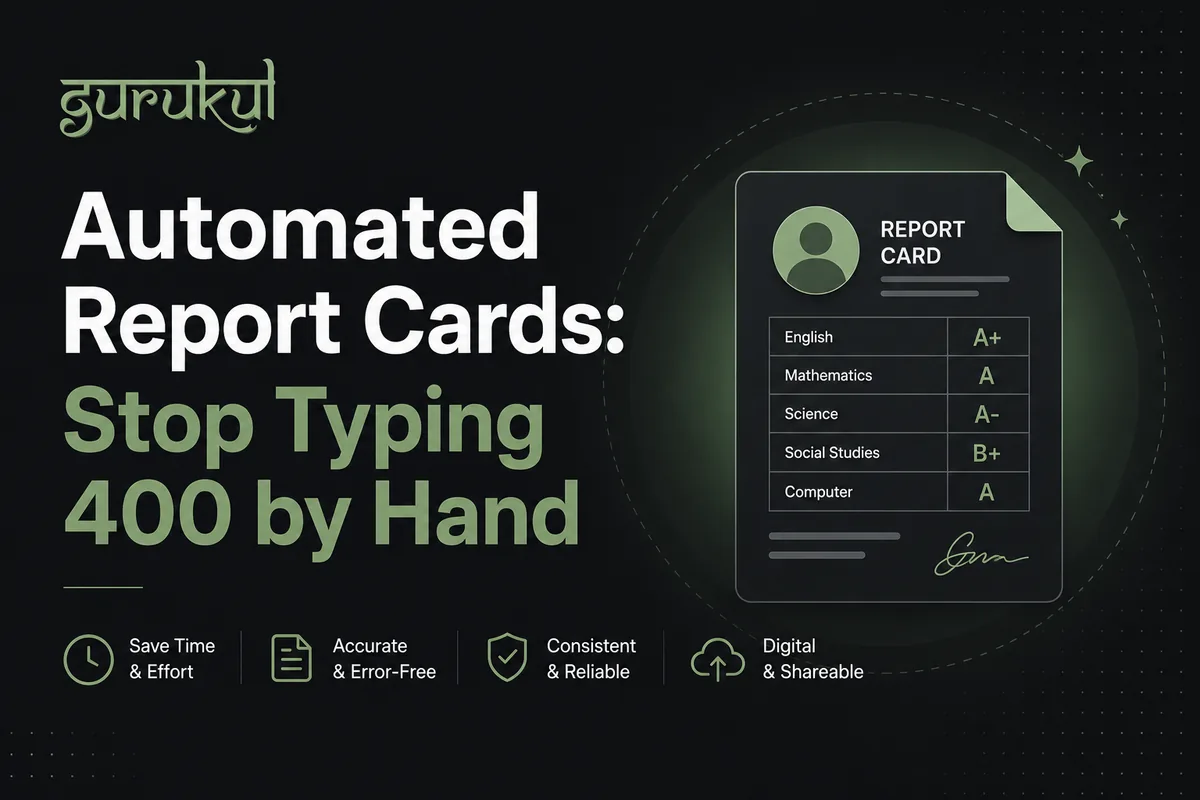
A school has 400 students.
At the end of every term, the school produces report cards. Each report card lists every subject, the student's marks, the grade, the teacher's remark, the attendance percentage, and the class teacher's signature.
In this school, report cards are typed. Each one individually. The teacher pulls up a Word template, types in the student's name, types in every subject and mark, checks the grade against a reference table, types in a remark, saves as a PDF, prints.
For 400 students, across two terms per year, this process takes - depending on how many staff are doing it and how fast they type - somewhere between 60 and 80 hours total. Two full working weeks. Every year.
And this is a school that already moved from handwritten to typed. Schools that still do it by hand spend even more.
The question isn't whether there's a better way. There obviously is. The question is why more schools haven't made the switch, and how to actually do it.
Why Report Cards Are Still Typed by Hand
The short answer is that report card generation is one of the last processes to be automated because it comes at the end of a chain of other processes - and if those earlier processes aren't digitized, report cards can't be automated either.
To generate a report card automatically, the system needs:
- The student's name and details (from student information management)
- The marks for each subject in this exam (from exam and mark entry)
- The grading scale to convert marks to grades (configured once)
- The attendance percentage for the term (from attendance tracking)
- The student's section and class teacher (from section allocation)
If any of these don't exist in the system - if marks are in a spreadsheet, if attendance is in a paper register - then automatic report card generation isn't possible without first entering all of that data manually into the system.
This is why report card automation is really the end result of digitizing the entire academic process. It's the payoff for all the earlier work.
What Automated Report Card Generation Actually Looks Like
In a school that has digitized its core processes, report card generation at the end of term looks like this:
Step 1: Confirm all marks are entered. The coordinator opens the system and sees a completion dashboard: "38 of 40 mark entries are complete. Grade 8B Science and Grade 10A English are pending." She contacts those teachers. Marks are submitted within the day.
Step 2: Review and approve marks. The coordinator does a final review - looking for outliers, checking that pass/fail calculations are correct, verifying that practical marks are included where applicable. This takes about 2 hours for a school of 400 students (versus the 20+ hours it used to take to compile everything from spreadsheets).
Step 3: Generate report cards. One click. The system produces 400 report cards - each with the student's name, marks, grades, attendance, and teacher remarks - in under 3 minutes.
Step 4: Review sample cards before printing. The coordinator opens five or six report cards from different grades, verifies they look correct, and approves for distribution.
Step 5: Print or distribute digitally. The school can print all 400 cards (the PDFs are formatted and ready) or distribute them digitally through the parent portal.
What used to take two weeks of typing now takes one afternoon.
The Components of a Report Card
Before getting into the technical setup, it helps to understand what a complete report card needs to contain and where each piece of data comes from:
Student identification
- Name, grade, section, roll number - from student information management
- Academic year - from system configuration
Academic performance
- Subject name - from course configuration
- Full marks - from exam configuration
- Marks obtained - from teacher mark entry
- Grade/GPA - calculated automatically from marks and grading scale
- Pass/fail status - calculated automatically
Attendance
- School days in the term - from system calendar
- Days present - from digital attendance records
- Attendance percentage - calculated automatically
Remarks
- Teacher remarks - can be entered by teachers per student, or selected from a template library (templates like "Good performance," "Needs improvement in practical work," etc.)
- Class teacher signature - either a digital signature image or a printed signature line
School information
- School name, logo, address - from school profile
- Term and year - from exam configuration
Every field except teacher remarks can be populated automatically from data already in the system.
The Grading Scale: Getting It Right
The most important configuration in report card automation is the grading scale. Get this wrong and every grade on every report card is wrong.
For schools operating under the NEB grading system:
This needs to be configured correctly in the system, including the special rules: minimum pass marks in practical subjects, how to handle students absent for one exam, supplementary exam eligibility criteria.
NEB grading rules have been updated several times over the years. Make sure your system configuration reflects the current rules, not the version from 2015 or 2018. If you're unsure which rules apply to your school's current students, check the current NEB circular.
Teacher Remarks: The Semi-Automated Middle Ground
Student remarks are the one piece of report cards that can't be fully automated - they benefit from a human touch. But they can be made significantly faster.
Option 1: Template library The school creates a library of pre-written remarks (20-30 options) that teachers can select from and lightly modify. "Good academic performance, particularly in practical components." "Shows improvement this term; continued effort needed in written work." "Excellent analytical skills, recommended to focus on presentation."
Teachers select the closest match, make any specific adjustments, and submit. This takes about 30 seconds per student instead of 2 minutes.
Option 2: Open text with AI assistance Teachers type remarks in a text field. For schools using AI tools, the AI can suggest a remark based on the student's performance data - which the teacher reviews and edits. This gives personalized remarks without the full time cost of writing from scratch.
Option 3: Class teacher submits one remark per student Only the class teacher writes a remark, rather than every subject teacher. This is the approach many schools take, significantly reducing the total workload.
The right approach depends on the school's philosophy about what the remarks section is for. Some schools want detailed subject-specific feedback. Others want one overall comment. Both are valid - but clear policy makes implementation easier.
Setting Up Report Cards for the First Time
If your school is moving to automated report cards for the first time, here's the sequence:
Before the exam period:
- Configure the grading scale in the system - exact grade boundaries, pass marks, special rules
- Verify that all students are in the correct grade and section
- Configure the report card template - school name, logo, layout preferences
- Make sure the term calendar is accurate (first day of term, last day, exam dates)
During the exam period:
- Teachers enter marks as exams are graded - don't wait until the end
- Monitor mark entry completion and chase outstanding entries early
- Teachers submit remarks before the end of the exam period
At term end:
- Final review of all marks - outliers, missing entries, NEB compliance check
- Generate report cards
- Review sample cards
- Print or distribute digitally
For the first term: Budget extra time for steps 8-10. You're learning the system and will catch configuration issues that need correction. The second term will be faster. By the third term, it's routine.
Digital Distribution vs. Printing
A question that comes up with every school: should report cards be distributed digitally (through the parent portal or app) or printed?
The case for digital distribution:
- Instant delivery - parents see the report card the moment it's published
- No risk of report cards being lost or not brought home
- Parents can access historical report cards, not just the current one
- Significantly cheaper - no printing cost for hundreds of cards
- Parents can share with grandparents, relatives without getting another copy
The case for printing:
- Not all parents have smartphones or consistent internet access
- Some parents and students value the physical document as a record
- Some assessment or regulatory requirements specify physical signatures
- Tradition and expectation in many communities
The practical answer: Most schools do both. Digital publication as the primary delivery (immediate, always accessible), physical printouts as a secondary option available on request or on report card day. This covers all parents regardless of their technology access.
When Things Go Wrong: Common Issues and Fixes
"A student's marks look correct but the grade is wrong." Check the grading scale configuration. A common issue is grade boundary ambiguity - "A is for 80 and above" but the system interpreted it as "80.01 and above." Verify the exact configuration against the grading table.
"A student's attendance percentage seems off." Check whether the school calendar has the correct number of working days for the term. A public holiday that wasn't marked as a holiday inflates the denominator and lowers the attendance percentage.
"A subject is missing from some students' report cards." Check section-to-course mapping. If a subject isn't mapped to a section, it won't appear on those students' report cards.
"Remarks are showing the wrong teacher for some students." This usually happens when sections were reorganized mid-term. Verify that every student is in the correct section and has the correct class teacher assigned.
"The report card layout doesn't match our school's format." Most systems offer template customization - you can set the column order, add your logo, adjust fonts, and configure which fields appear. If the default template doesn't match your school's format, ask for customization help before the first generation run.
The Time Math
Let's be concrete about the numbers.
Manual report card generation for a school of 400 students:
- 400 cards × 8 minutes per card (typing all fields) = 3,200 minutes = 53 hours
- Add review, corrections, and printing: 65-75 hours total
- Done twice per year: 130-150 hours per year
Automated report card generation for the same school:
- Mark entry: ~2-3 hours (spread across teachers over the exam period)
- Coordination and review: ~2 hours
- Generation and distribution: ~30 minutes
- Total: ~5-6 hours per term, 10-12 hours per year
That's a reduction of roughly 120-140 hours per year - freed from repetitive, error-prone data entry and spent on things that actually require human judgment.
The Bottom Line
Automated report cards aren't a marginal improvement on the current system. They're a fundamentally different approach to a process that hasn't changed in most schools for decades.
The two weeks of typing at the end of every term - the reports where staff stay late, where errors creep in, where parents occasionally receive cards with someone else's marks - can be replaced by an afternoon of reviewing and generating.
The prerequisite is having the underlying data in the system: attendance, marks, student information. That's the actual work - and it's covered by Gurukul's module-based pricing. Once that's done, the report cards are a byproduct.
The schools that have done this work report the same thing: at the end of the next term, when the coordinator clicks "Generate Report Cards" and 400 documents appear in three minutes, something shifts. The amount of administrative work a school does at the end of a term gets cut dramatically - and the staff who used to spend those hours typing spend them on other things.
Gurukul generates report cards automatically from marks and attendance data already in the system. NEB-compliant grading, bulk PDF generation, digital distribution to parents, and custom school branding - as part of a complete school management platform for Nepal. Book a free demo →